The compose key under X11
This post is an automatic translation from French. You can read the original version here.
Like most French people working on an American keyboard, I need accents for my everyday life… and therefore the compose key! It allows, under X11, to produce accents, cedillas, and much more. This very short post aims to be a quick note on its usage and the commands to configure it.
With setxkbmap
Let’s start by testing it in the current session, without making any permanent changes to the config. To do so, just type the following command in a terminal:
$setxkbmap -option compose:menuOnce this command is entered, the “menu” key, located at the bottom right of your keyboard, becomes the compose key. As a reminder, the menu key is this one:
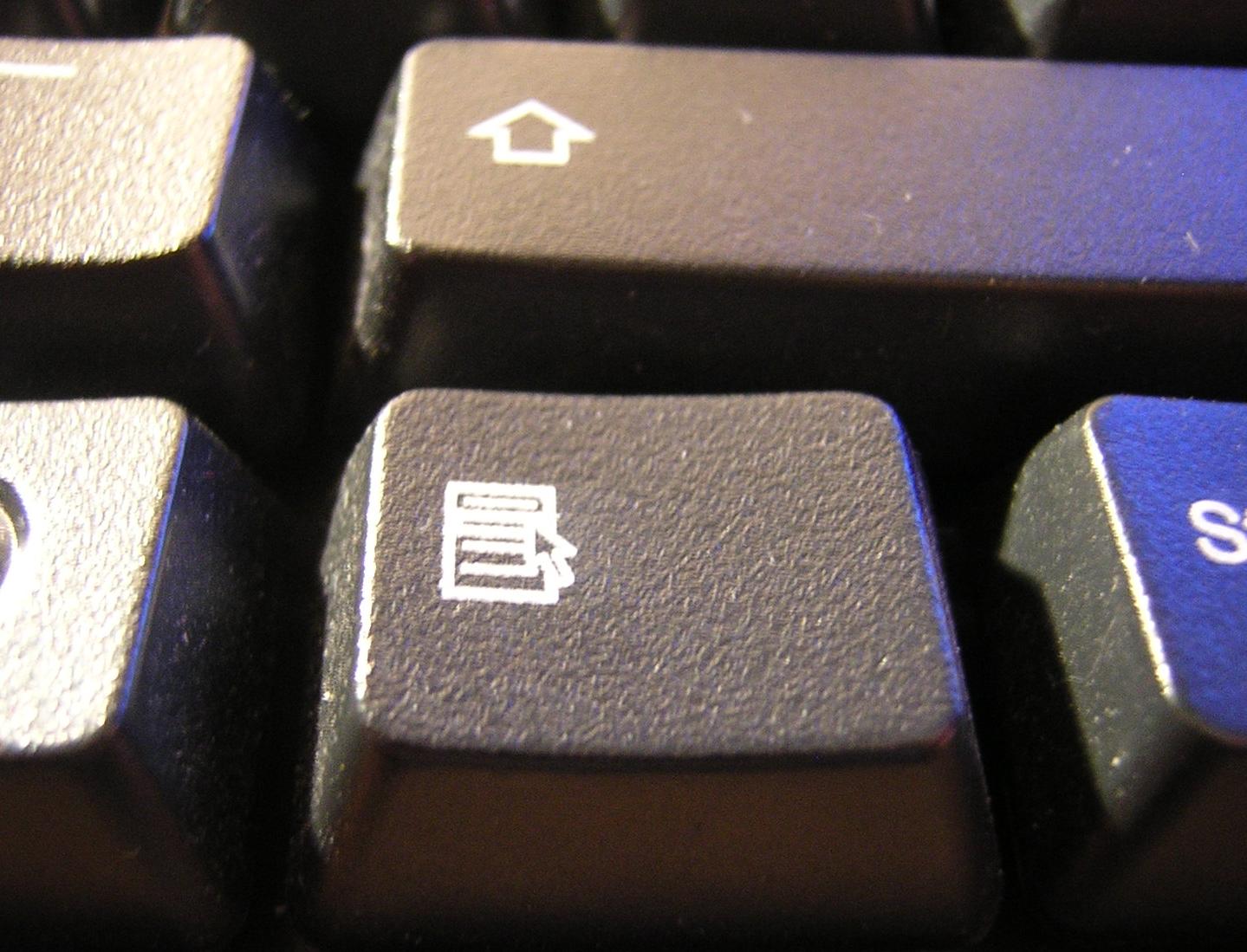
Source: Wikipedia

You can now get an ‘e’ with an accent by pressing the Compose key, then the straight apostrophe ‘, then e. Similarly, to produce an ‘n with tilde’, you would type compose ~ then n. The same goes for all other accents (a with acute, a with grave, u with grave, u with acute, e with circumflex, etc.) as well as cedillas. Nice, isn’t it?
X11 Configuration
To make this setting permanent, you will need to edit your X server’s configuration file. It is sometimes named /etc/X11/xorg.conf, sometimes composed of the combined files found in /etc/X11/xorg.conf.d and /usr/share/X11/xorg.conf.d (that’s the case on my Gentoo…)
In both cases, you need to locate the keyboard’s InputClass section and add the following instruction:
Option "XkbOptions" "compose:menu"A quick restart of the graphical interface, and you’re all set!
Miscellaneous
There are some quite unexpected characters you can get with compose… Two that I find particularly WTF:
- The communist symbol, with compose + CCCP (uppercase!)
- The “poop” emoji, with compose + poo (lowercase this time!)
One last thing before we part ways. You can choose whichever key you want as the compose key. Personally, I prefer using the right alt key on my keyboard. To do so:
$ setxkbmap -option compose:raltHey, to celebrate, I’m going to put an accent on an uppercase letter for once:
See you soon :)
Rancune.